CRDLens
The missing link between your terminal and Kubernetes Custom Resources. Explore, inspect, and debug CRDs with a native TUI speed.
Open Source (MIT) • Written in Go • Single Binary
The missing link between your terminal and Kubernetes Custom Resources. Explore, inspect, and debug CRDs with a native TUI speed.
Kubernetes Custom Resource Definitions (CRDs) are powerful, but managing them from the CLI is
painful.
kubectl get crd gives you a list, but understanding the schema requires digging
into thousands of lines of YAML.
CRDLens solves this. It parses your cluster's CRDs and presents them in an interactive, navigable interface. No more copy-pasting into web editors or grepping for schema definitions.
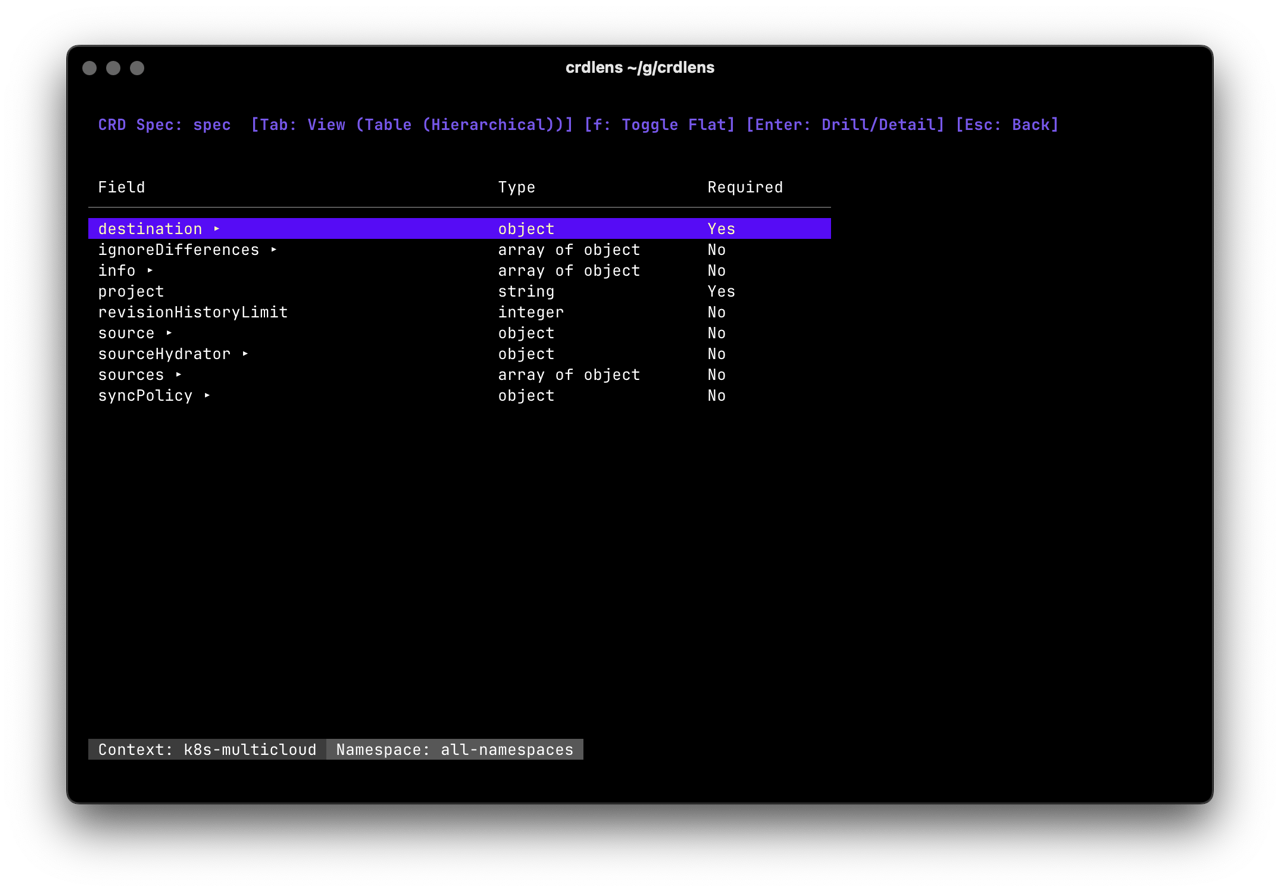
Built to handle real-world complexities like messy schemas, huge resource lists, and multi-namespace deployments.
Quickly list all CRDs in your cluster. We show you the resource counts upfront, so you know exactly what's being used versus what's just defined.
Don't get lost in indentation. Explore deeply nested OpenAPI v3 schemas with a tree view. Understand available fields, types, and descriptions without leaving your terminal.
More than just a viewer. CRDLens detects controller health, spotting "Drift" and "Lag"
issues by comparing metadata.generation vs status.observedGeneration.
Written in Go, CRDLens starts instantly and uses minimal memory. It handles large clusters with lazy-loading and fuzzy search filtering.
CRDLens parses and understands status and conditions fields and shows you whether a resource is healthy.
A precision instrument designed solely for Custom Resources, keeping your workflow clear of standard k8s noise.
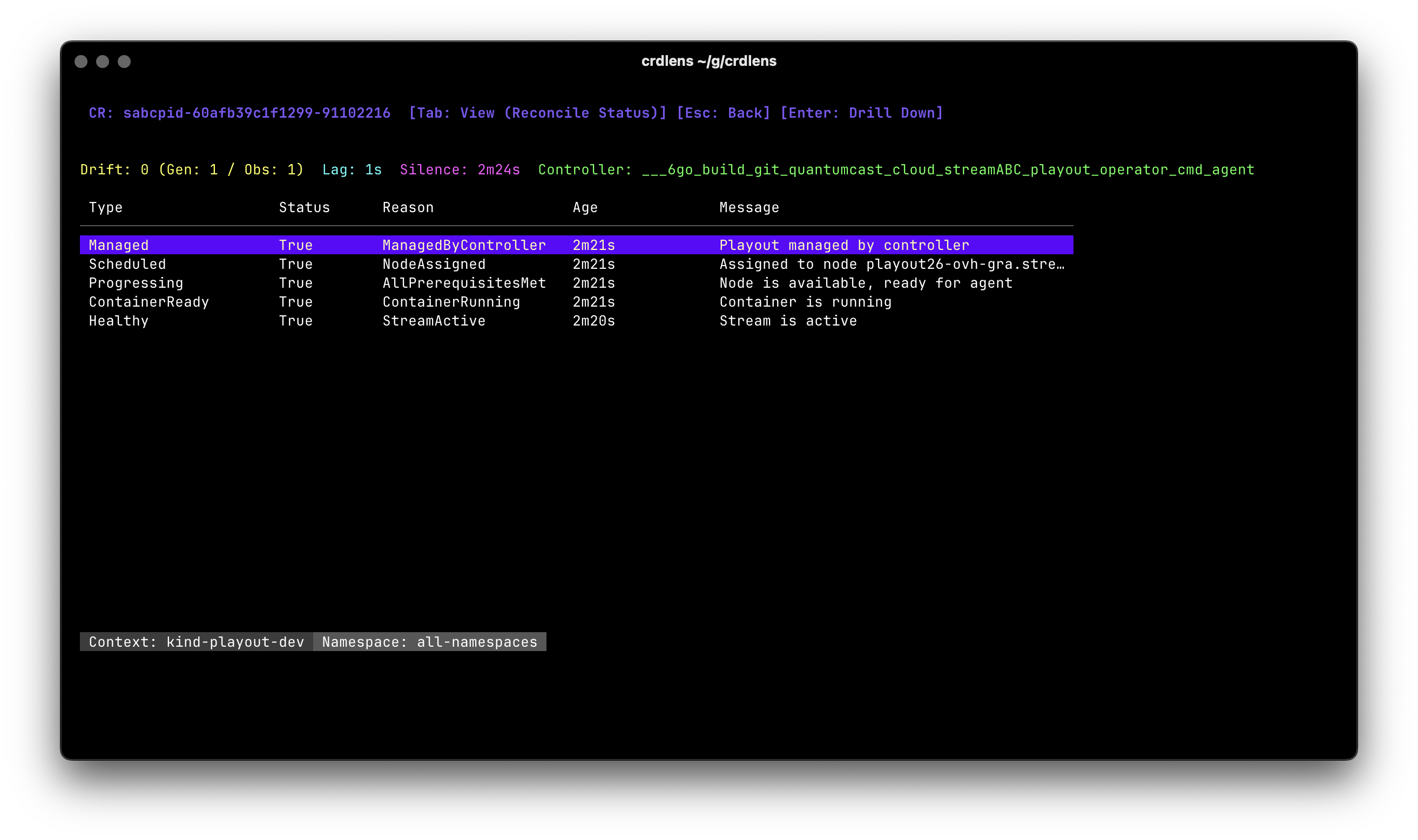
Is your operator actually syncing? The Reconcile View visualizes the lag between spec changes and status updates. It highlights "Silenced" controllers that haven't reported status recently.
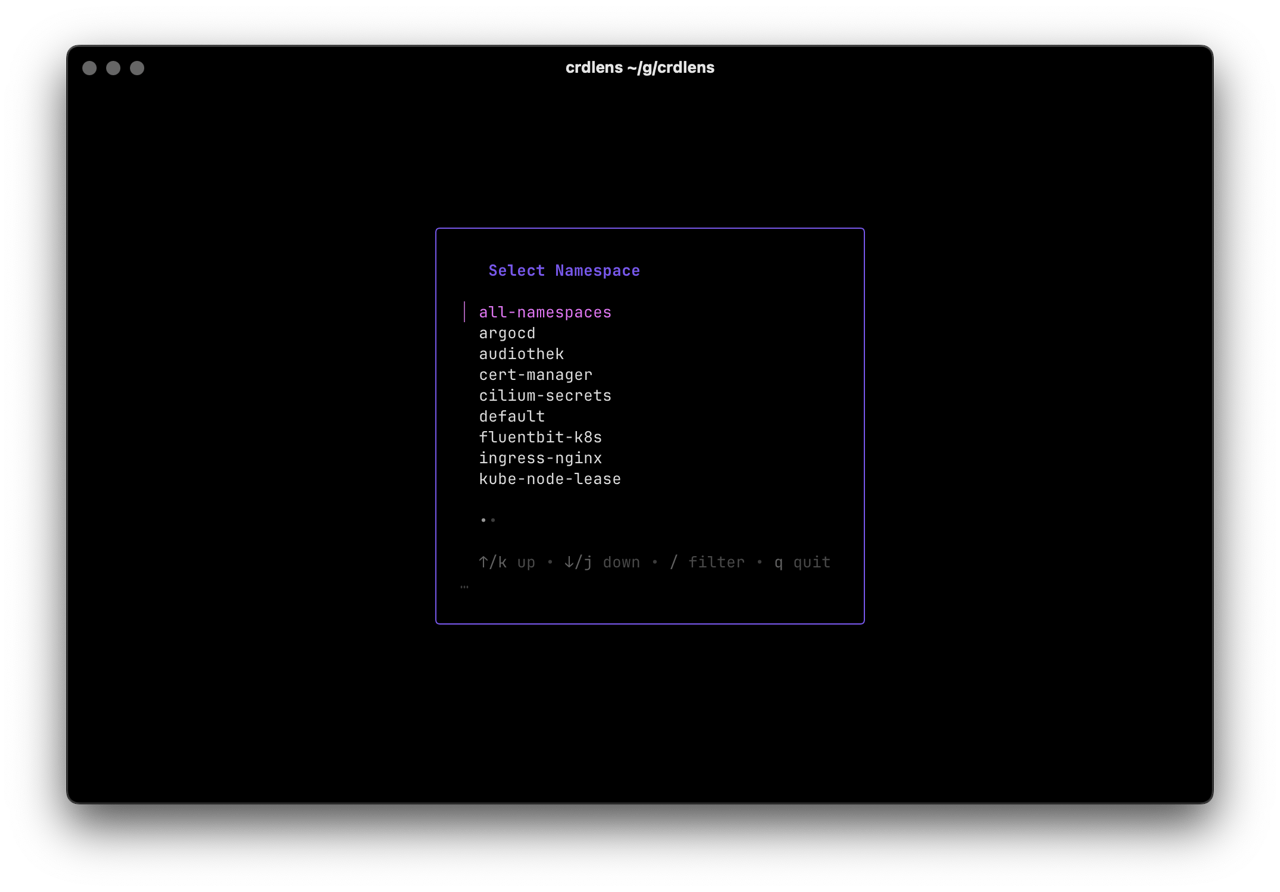
CRDLens knows where you are. If you try to list resources in an empty namespace, it suggests switching to "All Namespaces". It adapts to your environment to save you keystrokes.
No complex setup. It's a single binary.
Primarily, yes. CRDLens is designed for exploration, inspection, and monitoring. It respects your kubeconfig permissions, so it stays safe to use even in production environments.
CRDLens is specialized for Custom Resources (CRDs). While standard tools like k9s or kubectl are great for standard resources, CRDLens fills the gap for the increasingly complex world of Operators and CRDs.
We parse OpenAPI v3 schemas and render them lazily. Even massive CRDs (like those from Crossplane or cert-manager) remain navigable without freezing your terminal.